Skip to content

Automation and integration for the system your operation already uses.

Freight forwarders, NVOCCs and customs brokers lose margin on supplier invoices checked by hand, draft B/Ls with errors, quotes answered late and containers that run past their free time. Tier2 automates these four processes on top of your current ERP or TMS, builds the integration and runs the solution once it is in production.

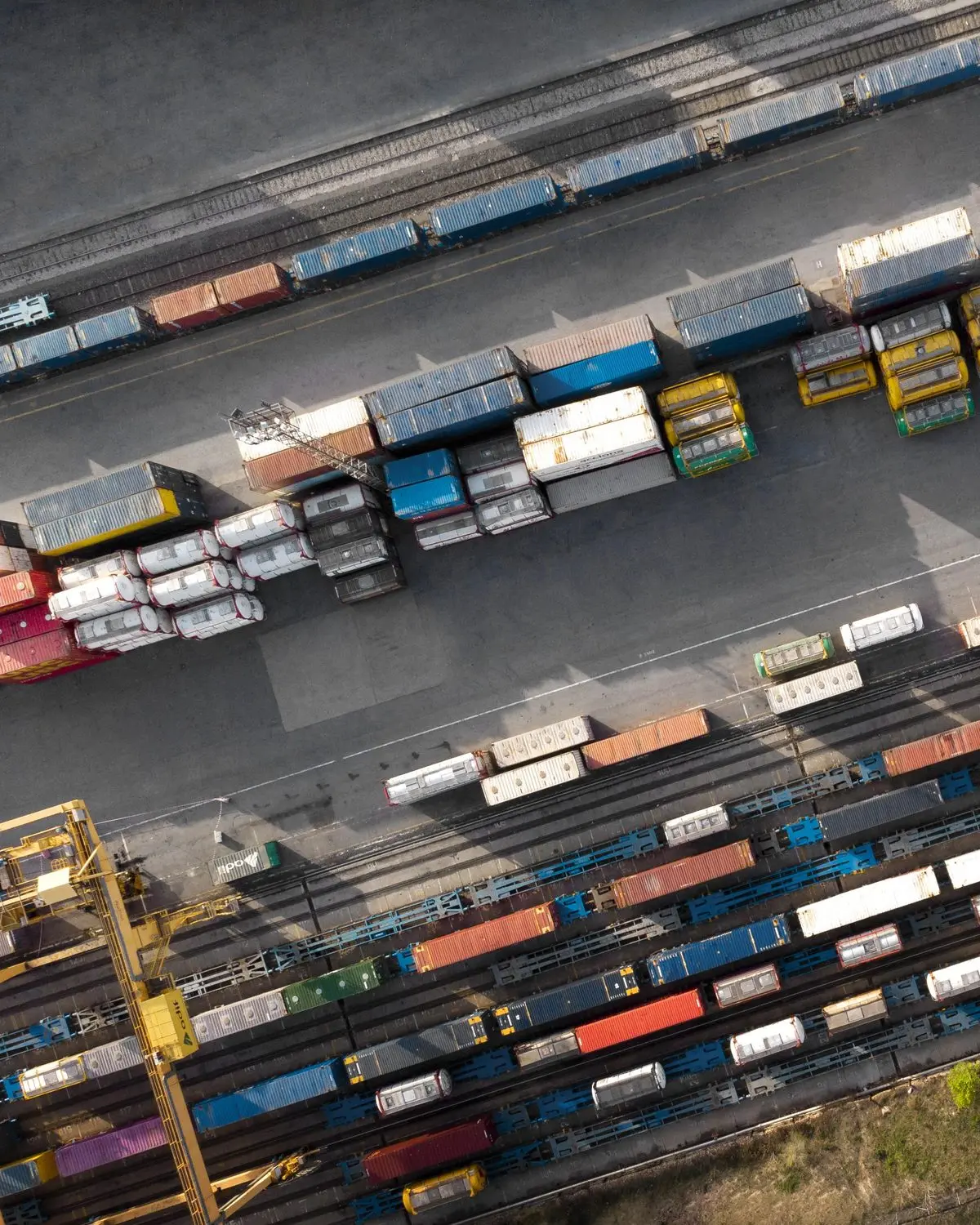
Aerial view of a rail container terminal, with gantry cranes and loaded wagons

Automation Assessment.

Who it is for

Companies that want to automate and need to know where to start.

What we do

Interviews with each team, a survey of volumes in your system and a measurement of the time spent per shipment at each manual step.

Duration

2 to 3 weeks.

What you get
  • A map of your documentation, billing, accounts payable, quoting and container control processes.
  • Monthly volumes by document type and hours spent per shipment.
  • A list of automations ranked by expected return, with the calculation behind it.
  • An assessment of technical access to your system and of data quality.
  • A pilot proposal with a success criterion.

Solutions.

01

Freight invoice automation

Invoices from carriers, airlines and agents arrive with amounts above the cost expected on the shipment. Without a line-by-line check, the difference gets paid and comes out of your margin.

How it works
  1. 1 The invoice arrives by email or API, and Autodocs reads it line by line.
  2. 2 Each line is matched to its shipment and compared with the cost recorded in your system: amount, currency, charge, quantity.
  3. 3 Invoices with no discrepancy go on to approval. The others go to a queue that shows the amount at stake and the reason.
Data from your system
Expected costs per shipment, supplier records, shipment references (booking, B/L, AWB, container).
What we measure
Discrepancy value identified per month; share of invoices checked with no intervention.
Typical timeline
6 to 10 weeks.
02

Draft B/L verification

The carrier's draft comes with errors in a party, weight, container, port or cargo description. When the error only shows up after issuance, it turns into an amendment, a fee and a delay.

How it works
  1. 1 The draft is read as soon as it arrives.
  2. 2 Each field is compared with the shipment data, with container (ISO 6346), port (UN/LOCODE) and vessel (IMO) validation.
  3. 3 Your team gets the list of discrepancies before approving the draft.
Data from your system
Parties, containers and seals, weights and volumes, ports, cargo description.
What we measure
Discrepancies found before issuance; amendments requested after issuance.
Typical timeline
4 to 8 weeks.
03

Quote automation

Quote requests arrive by email in different formats. Each one means reading the request, looking up rates and building the proposal, and the customer books with whoever answers first.

How it works
  1. 1 The request is read from the email: origin, destination, mode, cargo, dates.
  2. 2 Rates and markup rules are looked up in your system.
  3. 3 The draft proposal is ready for sales to review and send.
Data from your system
Rate tables by route and mode, markup rules, customer records.
What we measure
Time from receiving the request to sending the proposal; share of drafts sent without edits.
Typical timeline
6 to 10 weeks, depending on access to rates in your system.
04

Demurrage & Detention Monitor

Each container's free time depends on the carrier, the customer and what was negotiated. Without a daily check, demurrage only shows up when the invoice arrives.

How it works
  1. 1 Each container is followed from its discharge, pickup and return events.
  2. 2 The contracted free time is calculated per container, with alerts before it runs out.
  3. 3 Per diem is calculated by day bracket, to bill the customer and check the carrier's invoice.
Data from your system
Free time by carrier and by customer, per diem tables, containers per shipment.
What we measure
Containers flagged before free time runs out; D&D paid per month.
Typical timeline
6 to 8 weeks.

Uses the same logic as the Demurrage & Detention module in Tier2 Cargo.

See Tier2 Cargo

Integrations.

How we connect to your system

API

Your ERP/TMS offers a REST API, OData or the vendor's integration interface.

Database

Read access (and controlled write access, when needed) to the system's database.

File

Scheduled file exports and imports.

RPA

The system offers no other interface.

Whenever one exists, we use the vendor's official interface. The method is decided during the assessment.

What the solution sends back

A queue of discrepancies and exceptions for your team to review.

Email alerts.

Records and statuses written to your system by API or file.

Webhooks for other systems.

How we work.

01

Assessment

2 to 3 weeks.

02

Pilot

30 to 45 days on one solution, with a success criterion signed by both sides.

03

Production and operation

A 12-month contract with monitoring, rule tuning and support from Tier2.

04

Next solution

A quarterly review of the processes still done by hand.

Experience.

Tier2 started out implementing ERPs for companies with complex operations: Dynamics, SAP Business One, Totvs and Baan IV. For 11 years it has built and maintained Tier2 Cargo, its own ERP for freight forwarding. The solutions on this page use what already runs in Cargo: Autodocs and its validators, the cost-checking rules and the demurrage and detention calculation.

Security and data.

A data processing agreement under LGPD and GDPR.

Data segregated by customer.

Human review of exceptions.

An audit trail of every change made in your system.

Frequently asked questions.

Do I need to replace my ERP?

No. The solutions connect to the system you already use.

Where do I start?

With the assessment. It shows which process has the highest return and whether access to your system allows the integration.

Can I buy just one solution?

Yes. The pilot runs on one solution; the others come later, if they make sense.

Who runs the solution after implementation?

The Tier2 team, with monitoring, rule tuning and support set out in the contract.

What happens when the system is not sure about a value?

The item goes to a person on your team for review, with the original document alongside.

Talk to our team about your ERP or TMS.

Tell us which system your company uses and which process takes up most of your team's time. On the call, we show how the integration would work in your system and which process to start with.

Prefer WhatsApp? Message us on WhatsApp